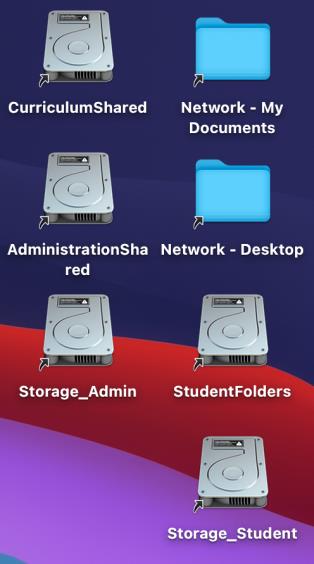
This step in MacBook setup will be initially completed during your MacBook induction with the IT Department.
The mapping of network drives on school-allocated MacBook’s is all fully automated.
-
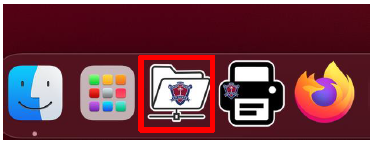
The process can be started by opening the BSHS Network Drives application on your MacBook
-
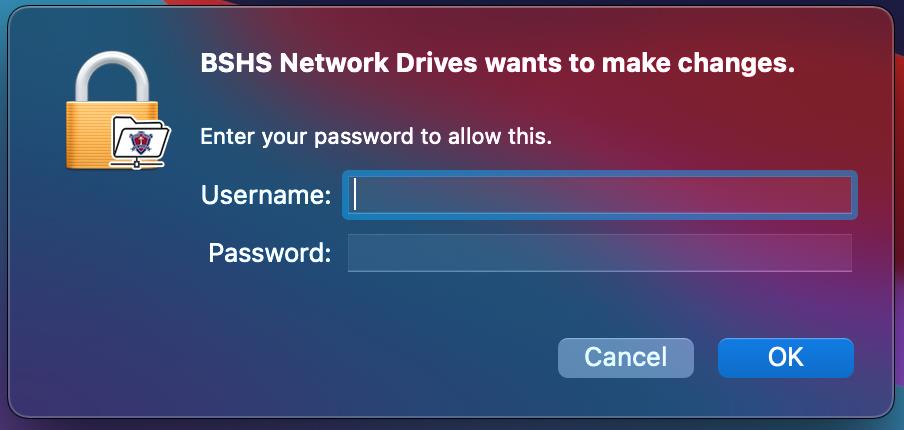
The application will prompt you to login. Please use your MacBook Account Password
-
Login to the BSHS Network Drives application using your School Network Account
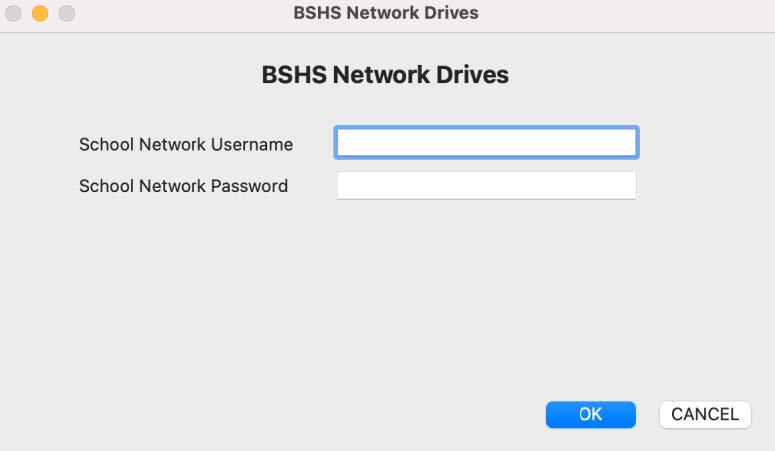
The application will now map the network drives onto your MacBook and create shortcuts on the desktop. This may take a couple of minutes.